
Smarter search and automatic iCloud backups
Find food and drink memories by describing what you remember, and automatically back up your journal to iCloud Drive. Two new features in Memolli Pro.
Written by: Charlie Murphy
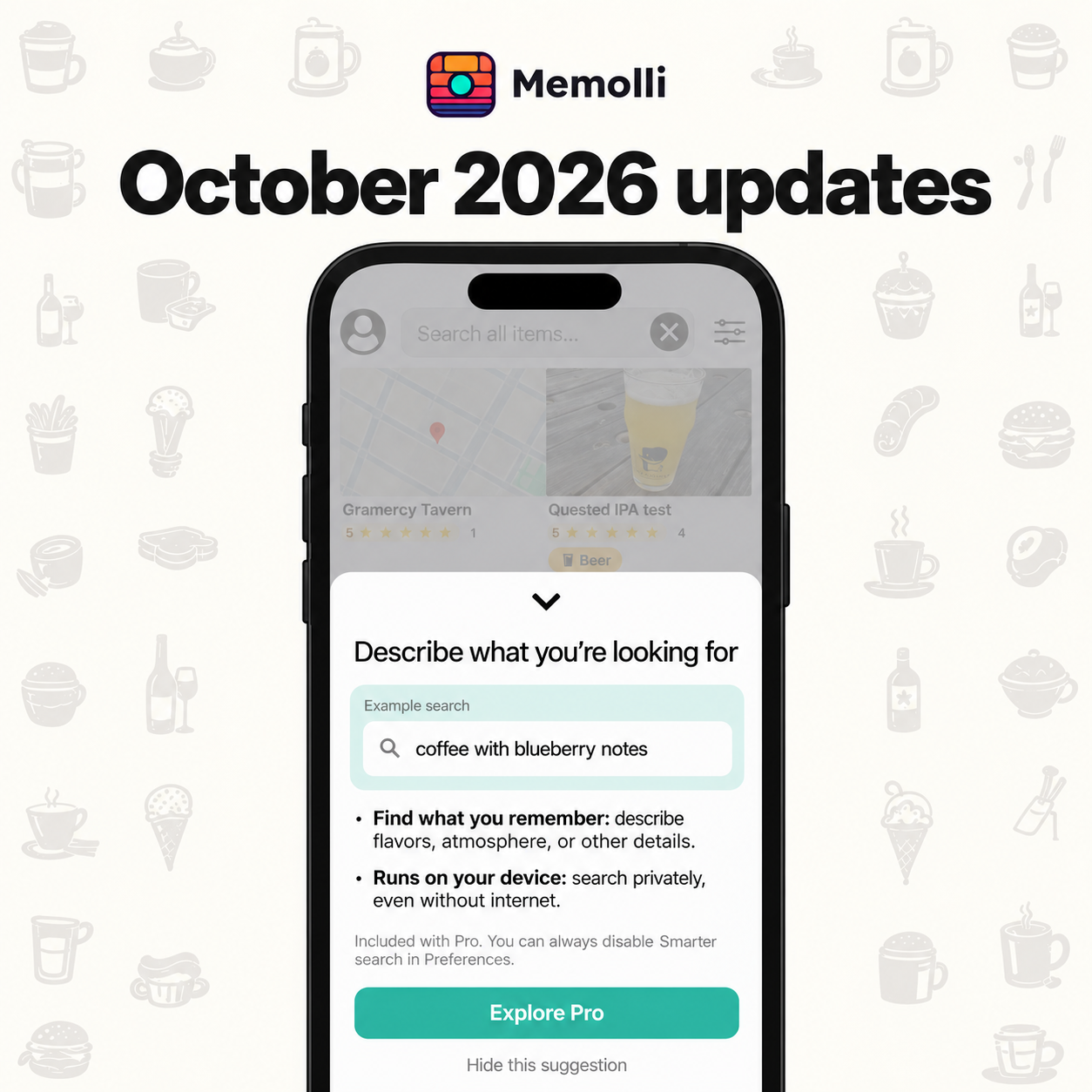
Our latest update adds two features to Memolli Pro: smarter search to help you find those memories, and automatic iCloud backups to help you keep a copy. We’ve also made interface improvements and fixed plenty of bugs along the way.
Smarter search: describe what you remember
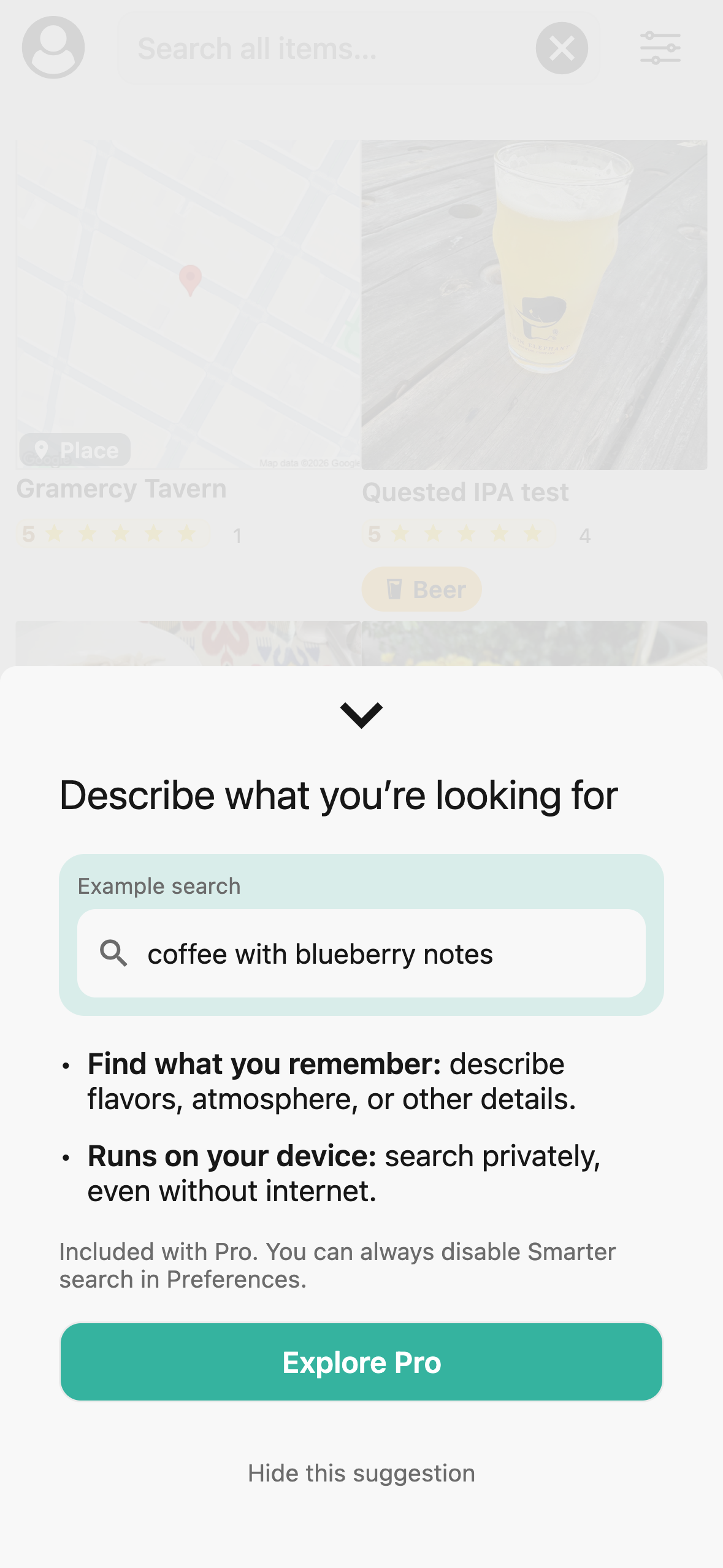
Smarter search lets you more easily find reviews by describing what you’re looking for. Try phrases like “coffee with blueberry notes,” “smoky hot sauce,” or “quiet outdoor seating.” It looks beyond exact word matches to help find your relevant reviews. The more useful details you capture in your notes, the easier it is to find them later; whether you’re keeping a coffee journal or personal restaurant reviews.
Smarter search is included with Pro on iOS and Android. It runs on your device, so you can search privately, even without an internet connection. You can turn it off anytime in Settings → Preferences.
Automatically back up your journal to iCloud Drive
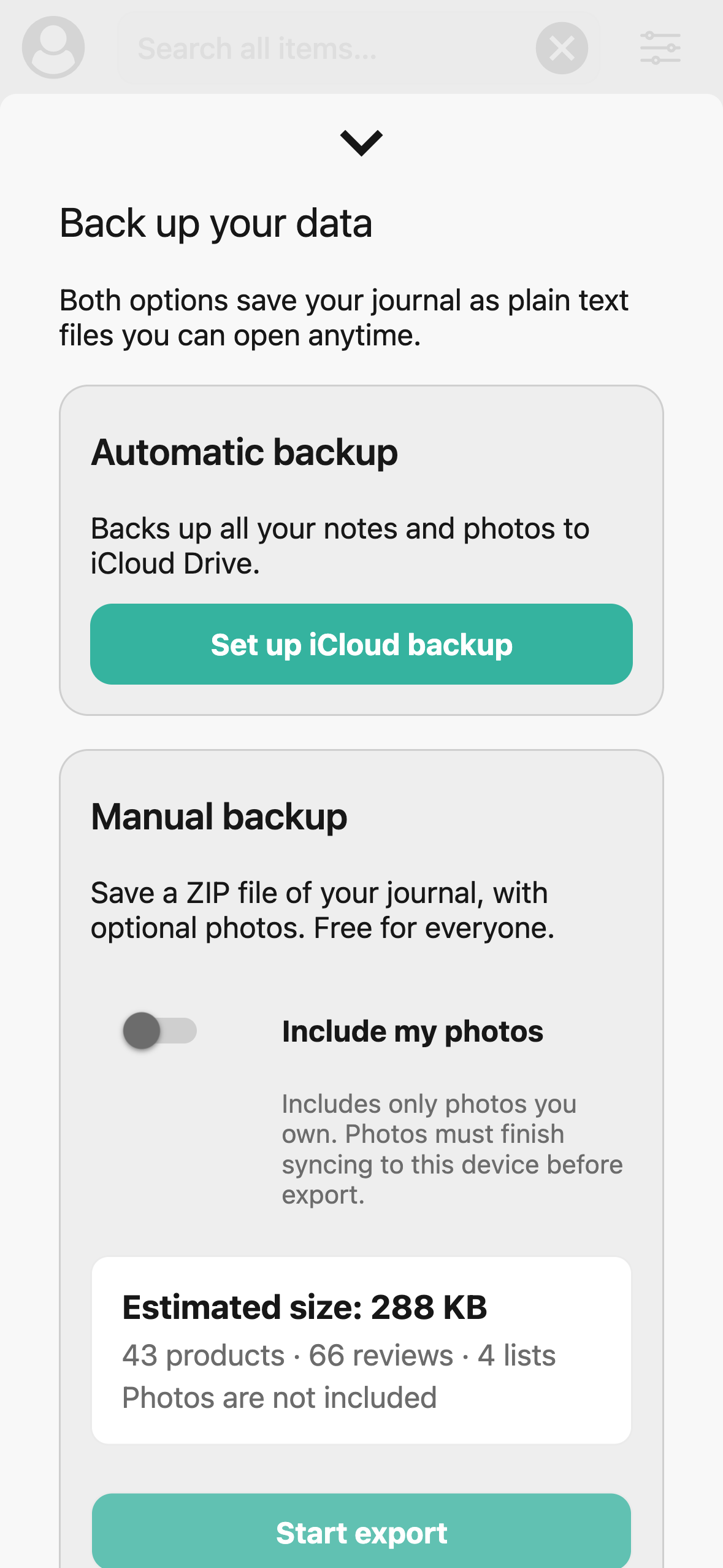
Your notes and photos belong to you. Automatic backup gives you a copy in your own iCloud Drive, without having to create a manual export each time.
Available with Pro on iOS, it keeps a copy of your journal’s notes and photos up to date as you use Memolli. Your notes are saved as plain text files you can open outside the app. To get started, open Settings → Data & privacy → Back up your data, then choose Set up iCloud backup. You’ll need to be signed in to iCloud with iCloud Drive enabled. Once set up, you can see when Memolli last saved a copy and use Back up now whenever you want.
Manual backup remains free for everyone. You can even include all your photos, as mentioned the August update.
Bug fixes and performance improvements
We’ve made the interface more consistent, cleaned up creating review later items, and made performance improvements throughout the app. This release also fixes issues with:
- Accounts and syncing: moving local-only data to an email-based account, unexpected logouts, and data sync reliability.
- Reviews and photos: images failing to upload, sync, or attach to the right review, and occasionally duplicated question answers.
- Everyday organization: missing maps when choosing a manual place’s location, category hierarchy changes after updating an image, and adding links or list memberships to saved-for-later items.
Try the latest update
Update Memolli from the App Store or Google Play Store to try smarter search with Pro. iCloud backup is available in the iOS app.
New to Memolli? Start your private food and drink journal and keep the meals, drinks, and places you want to remember together.